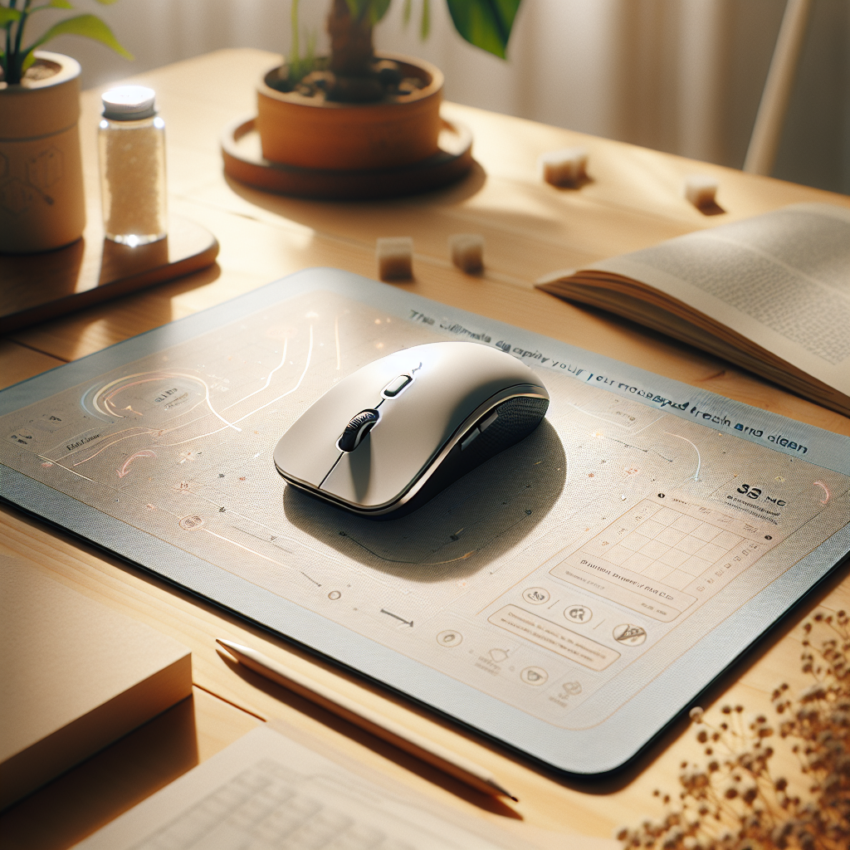
Keeping your mousepad clean is crucial not only for maintaining its appearance but also for ensuring that your mouse functions properly. If you’ve been wondering about how to wash a mousepad effectively, this guide will walk you through the steps. Whether you’re using a fabric, plastic, or even a high-tech gaming mousepad, proper care will prolong its life and keep it looking fresh.
Why You Should Regularly Clean Your Mousepad
Mousepads accumulate dirt, oils, and bacteria over time, especially with frequent use. A clean mousepad ensures smoother mouse movements and minimizes wear and tear. Additionally, a clean workspace contributes to overall hygiene and health.
How to Wash Mousepad: Step-by-Step Instructions
Different materials require different cleaning methods. Here’s how to wash your mousepad depending on its type.
Fabric Mousepads
Fabric mousepads are common and relatively easy to clean. Follow these steps:
- Fill a sink or basin with warm water and add a few drops of mild liquid soap.
- Immerse the mousepad and gently scrub the surface with a soft brush or sponge.
- Rinse thoroughly with warm water to remove soap residue.
- Pat dry with a towel and leave it to air dry flat to prevent warping.
Plastic and Vinyl Mousepads
For plastic or vinyl mousepads, a slightly different approach is needed:
- Use a damp cloth or sponge with mild soap and wipe the surface clean.
- For stubborn stains, a little rubbing alcohol can be used.
- Rinse and wipe off any soap or alcohol residue with a clean wet cloth.
- Dry the mousepad with a towel or let it air dry.
Advanced Gaming Mousepads
High-tech gaming mousepads might have additional care instructions provided by the manufacturer. Generally, they can be cleaned similarly to fabric pads, but ensure not to soak any electronic components. For more specific guidance, refer to the manufacturer’s website.
Special Considerations
Before you dive into cleaning your mousepad, consider these factors:
- Always check the manufacturer’s guidelines for cleaning recommendations.
- Avoid using harsh chemicals as they can damage the material.
- If your mousepad has built-in electronics, ensure it is fully dry before using it again.
Extending the Life of Your Mousepad
Besides regular cleaning, there are proactive steps you can take to keep your mousepad in good condition:
- Keep your hands clean to minimize oil transfer.
- Avoid eating at your computer to reduce the risk of food stains.
- Store your mousepad flat or rolled loosely to maintain its shape.
For more insights on maintaining your workspace and other health-related topics, you might be interested in exploring this article on brain supplements.
Health and Hygiene Considerations
Just like other shared office equipment, mousepads can harbor bacteria. Regular cleaning not only maintains the pad’s functionality but also plays a part in maintaining a healthy work environment. For more information on workplace health, visit the relevant Wikipedia page.
Understanding how to wash a mousepad properly ensures its longevity and supports a cleaner, more efficient workspace. By adhering to these simple care practices, you can enhance your computing experience while keeping germ-free surroundings.
- Clean your mousepad regularly to prevent dirt build-up.
- Use mild soap and warm water for the best results.
- Always check and follow the manufacturer’s care instructions.
- Allow proper drying time to maintain shape and functionality.
- Keep your workspace tidy to extend the life of your mousepad.
Frequently Asked Questions
Can I put my mousepad in the washing machine?
Some fabric mousepads may be machine washable, but it’s essential to check the manufacturer’s instructions. Hand washing is generally safer to prevent damage.
How often should I clean my mousepad?
It’s advisable to clean your mousepad once a month or whenever it looks dirty. More frequent cleaning might be needed if you use it daily.
What should I do if my mousepad has an odor?
If your mousepad has developed an odor, a thorough wash with mild detergent should help. For persistent odors, try spot-cleaning with baking soda paste.
Can cleaning my mousepad affect my gaming performance?
Cleaning your mousepad can improve gaming performance by ensuring smooth mouse movement. Just ensure it’s dry and flat before using it again.
What should I avoid when washing my mousepad?
Avoid using hot water, bleach, or other harsh chemicals, which can damage the surface. Also, do not wring or twist the pad as it can cause warping.